Editing a Contact
- Log in to your account and go to your Profile page.
- Find the contact you'd like to update and click on their name or the edit icon next to them.
- Make your changes — you can update their name, phone number, email, address, or relationship.
- Click Save.
Removing a Contact
- Log in to your account and go to your Profile page.
- Find the contact you'd like to remove and click on their name or the edit icon next to them.
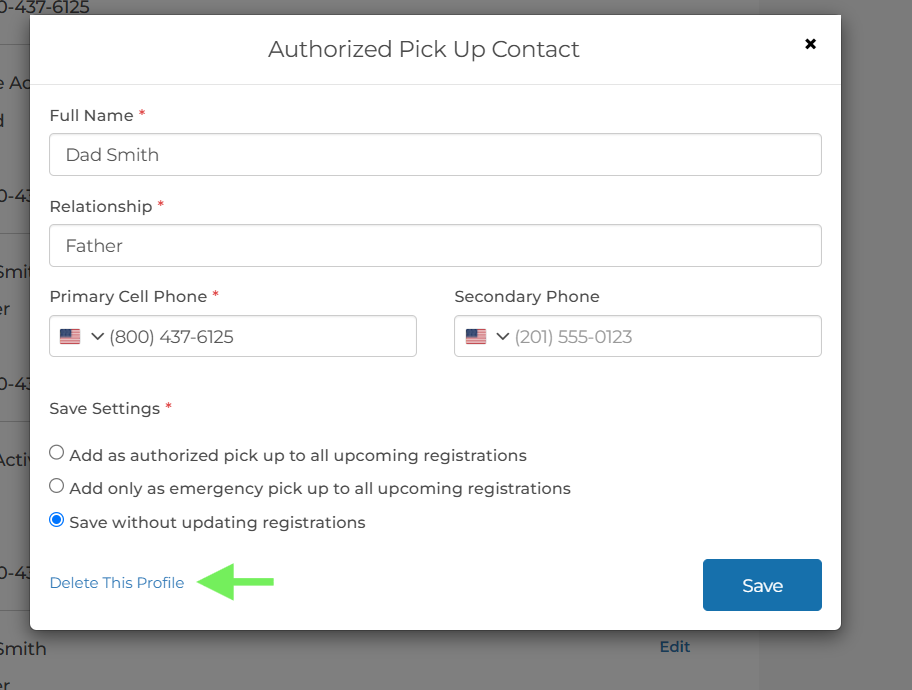
- In the contact details window, click Delete this Profile.
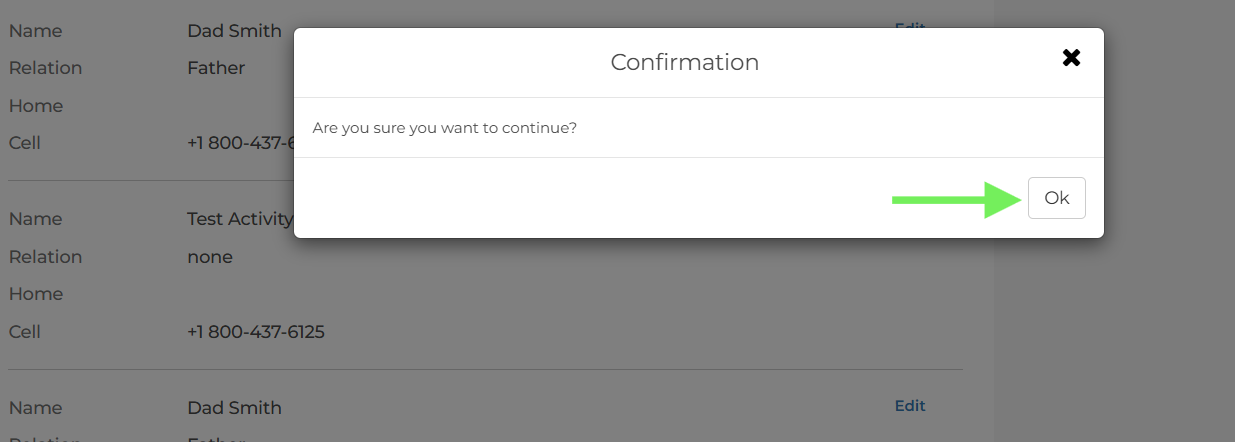
- A confirmation message will appear asking if you're sure. Click Ok to confirm.
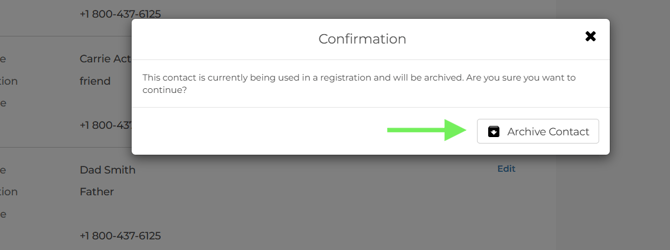
 Please note: If this contact is linked to an active registration, they will be archived rather than permanently deleted. An archived contact will no longer appear in your active contacts list but is kept on file for record-keeping purposes. Archived contacts can be unarchived when needed.